Control Anywhere.
Manage Anytime.
Piso WiFi Made Easy.
Vendofi turns every Piso WiFi box into a connected device. Watch today's coins come in, change the price, reboot a stuck unit — all from wherever you actually are.
Everything you'd walk to the box for — without walking there
Piso WiFi machines break or get set wrong. Vendofi means you find out and fix it before a customer complains, not after.
See today's coins, live
Every insertion shows up on your phone within seconds — no guessing how a machine did until you visit it.
Change the price mid-day
Raise or lower a rate the moment you need to — a promo for slow hours, a price bump for peak time.
Reboot from your couch
A stuck box doesn't need a trip anymore — send the reboot, watch it come back online.
Multi-Vendo & Sales Reports
Add every box you own to a single fleet list and see total income across all of them at once, broken down however you need it.
Cap the speed, keep it fair
Set a bandwidth limit per box so one heavy user doesn't slow WiFi down for everyone else connected.
This is exactly what you'll be looking at
No separate "lite" version — this is the real interface, on your phone or your laptop.

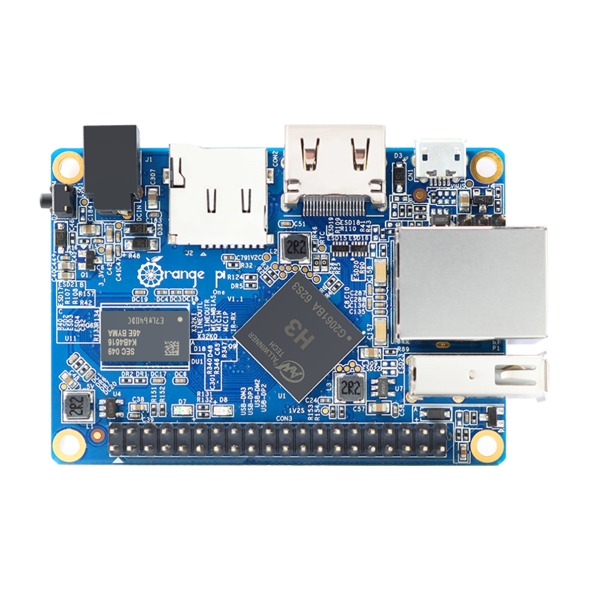
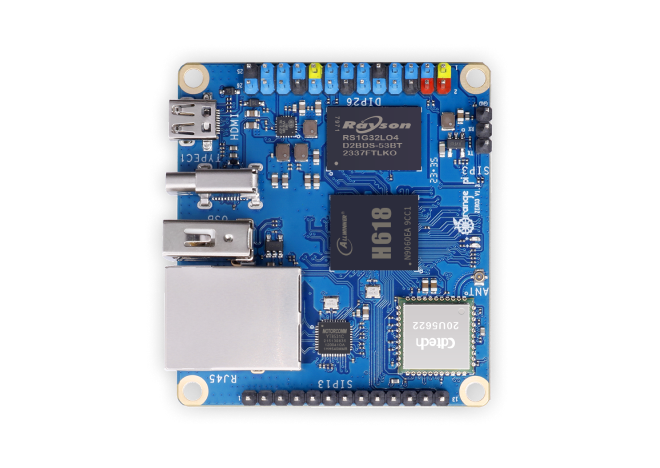
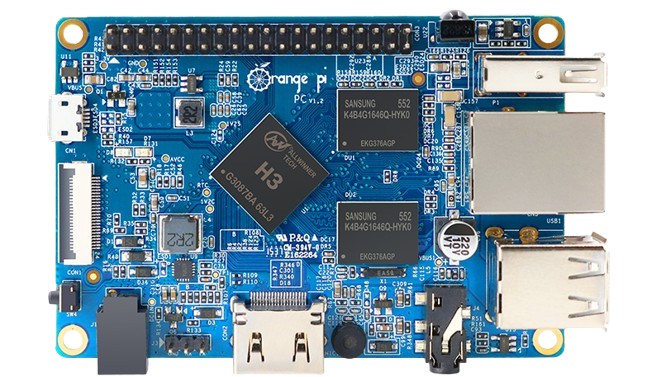
Real boards, running right now
A look at the hardware Vendofi runs on today — and what's coming next. Drag to browse.
From SD card to online, in four steps
New board, or setting up a spare? Here's the whole flashing process.
Download your board image
Get the correct image file for your board (Orange Pi One or Zero 3) from your dashboard's Downloads page.
Go to DownloadsInstall Balena Etcher
A free tool that safely writes image files to an SD card. Download and install it if you don't have it yet.
Download Balena EtcherFlash the image to your SD card
Open Etcher, select the image file you downloaded, select your SD card, then click "Flash!" — wait until it shows complete before touching the card.
Insert into your board
Once flashing finishes, eject the SD card safely, insert it into your board, then power it on.
One license, one machine, lifetime
No subscriptions, no per-transaction cut. Buy more, save more.
Per license
- 1 machine, lifetime
- Full remote dashboard
- Live coin & sales tracking
- Remote rate control
- Voucher generation
- Bandwidth control
- Remote reboot
- Fleet Report across all machines
- Remote admin password change
- Adjustable live report interval
Bulk purchase
- Full remote dashboard
- Live coin & sales tracking
- Remote rate control
- Voucher generation
- Bandwidth control
- Remote reboot
- Fleet Report across all machines
- Remote admin password change
- Adjustable live report interval
- Best for 10+ locations
Common questions
What hardware does this run on?
OpenWrt routers/APs, MikroTik (RouterOS), Orange Pi, Raspberry Pi, and x86 mini PCs — currently live on Orange Pi One and Zero 3, with the rest on the roadmap. The dashboard talks to the machine over the internet, not locally.
What happens if my internet drops?
The machine keeps accepting coins and running the portal normally — only the remote reporting pauses until the connection comes back.
Can I move a license to a different machine?
Yes — revoke it from the old device in the dashboard, then activate it on the new one.
Stop finding out from a customer complaint
Get your first license running in the time it takes to read this page.